Best VPN for WhatsApp Calls: Privacy, Connection Quality & Setup
Julian Foster
3 November 2026
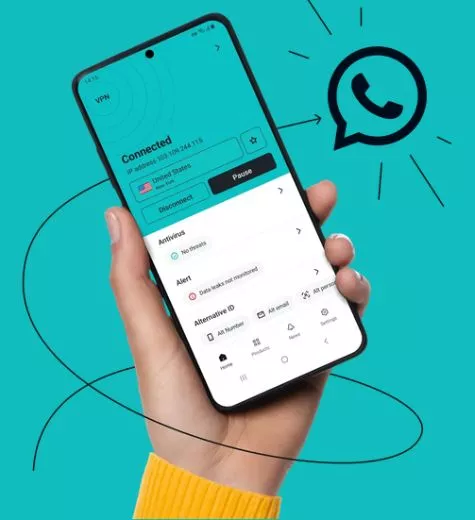
WhatsApp calls are end-to-end encrypted, yet a VPN still adds genuinely useful protection by hiding your IP address and securing the network you connect through. Surfshark offers WireGuard support, a São Paulo server, a kill switch and unlimited simultaneous connections, helping Brazilians, travellers and remote workers keep voice and video calls private, stable and protected on Wi-Fi or mobile data. This guide explains privacy, call quality and simple setup steps.
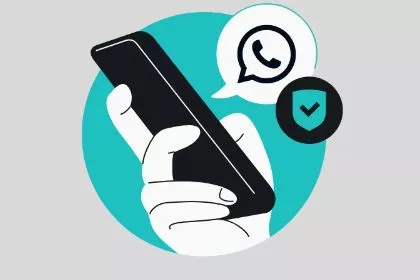
A VPN complements WhatsApp encryption by masking your IP address; it doesn’t replace built-in security.
Quality Trade-Offs
Extra routing can add latency, so choose nearby servers and test calls before important meetings.
Why VPNs Matter for WhatsApp Calls
WhatsApp encrypts call content, but your IP address, network and location signals can be visible in some situations. A VPN reduces that exposure, especially on public Wi-Fi or while travelling.
IP Address Protection
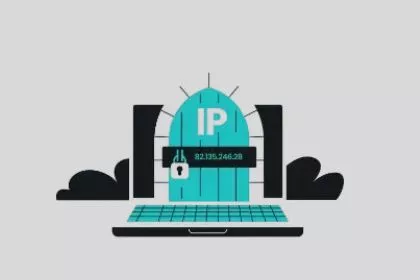
In one-to-one calls, WhatsApp may connect devices directly, which can reveal IP addresses. A VPN masks yours behind its server, making it harder for others to estimate your general location.
WhatsApp’s Protect IP address in calls setting relays calls through its servers, but WhatsApp warns quality may drop. A VPN offers another route, though you should test real performance yourself.
Airports, cafés, hotels and universities often rely on shared networks. Encryption protects the traffic leaving your device, reducing exposure to snooping, fake hotspots and other risks while you talk online.
Surfshark combines RAM-only servers, strong encryption and a no-activity-logs policy verified by Deloitte assurance reports in 2023 and 2025. Its Starter, One and One+ plans scale from VPN protection to antivirus, alerts and data removal. Longer terms usually lower the monthly costs, but renewal rates can differ, so compare current totals, refund terms and promotions before paying for any subscription.
Unlimited Device Coverage
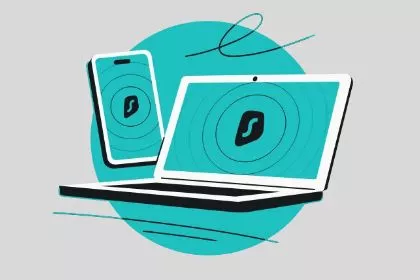
One subscription covers your phone, tablet and laptop, so your WhatsApp calls stay protected everywhere.
Money-Back Testing
A 30-day money-back guarantee lets you test real call quality on your own network risk-free.
Connection Quality and Setup
Call quality depends on distance, ISP quality, protocol and server load. Choosing nearby servers, using WireGuard and testing voice and video calls helps you quickly find the most stable configuration.
Connect to São Paulo for calls with people in Brazil; choose closer servers when abroad.
WireGuard usually balances speed and security well, while OpenVPN and IKEv2 remain useful fallback options.
Install the app and sign in
Pick São Paulo or nearby servers.
Enable the kill switch before calling
Place a test call, then adjust.
Features That Help Calls
Surfshark adds tools around the VPN, including a kill switch, CleanWeb ad and tracker blocking, Multi Hop routing, obfuscation and Alternative ID. These features help reduce tracking, protect sensitive conversations and give users more control without making WhatsApp calls complicated.
Best Use Cases
Different people use WhatsApp calls differently, so protection needs vary.
The best VPN for WhatsApp calls should protect privacy without ruining connection quality. Surfshark offers a São Paulo server location, RAM-only infrastructure, audited no-logs assurance, WireGuard support, a kill switch, unlimited simultaneous connections and flexible Starter, One and One+ plans, making it a practical choice for Brazilians, families and remote workers. Remember that WhatsApp calls are already end-to-end encrypted, so a VPN mainly hides your IP address and secures the network. Test nearby servers, compare current prices and renewal rates, and use the 30-day money-back guarantee before committing, then always enable the kill switch and keep your apps updated regularly.